通过 Web SSH 访问 Linux 终端
本文介绍如何使用
xterm.js,通过 Web Shell/Terminal 访问 Linux 终端
目的
实现通过 web 登录 shell 窗口
软件
通过 https://github.com/xtermjs/xterm.js 实现
Xterm.js is a front-end component written in TypeScript that lets applications bring fully-featured terminals to their users in the browser. It’s used by popular projects such as VS Code, Hyper and Theia.
demo
示例一
- https://github.com/kbcx/k8s-client-go-demo-ui 使用 xterm 代理 k8s pod shell,也可以作为 Cloud Shell 的实现方案
示例二
部署步骤:
git clone https://github.com/billchurch/webssh2.git
cd webssh2/app

# 安装依赖
npm install --production

# 配置文件
cp config.json.sample config.json

# 启动服务
npm start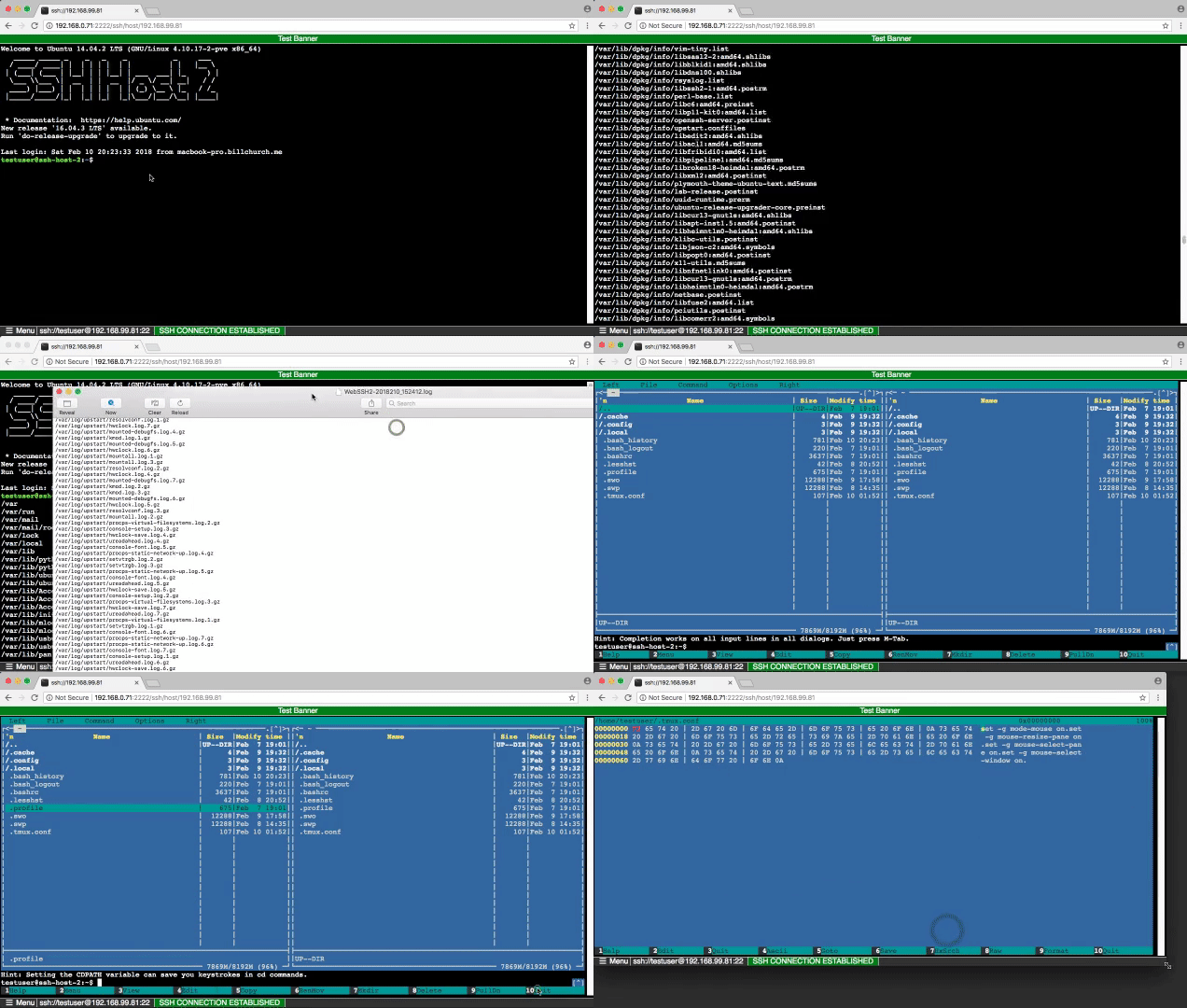
扩展:可以结合 paramiko 实现 ssh key 登录。
其他实现
- liftoff/GateOne
- rtty 从任何地方通过网络访问 ssh 的终端
- ttyd
- yudai/gotty
- creack/pty
- Sshwifty WebSSH 和 WebTelnet 客户端
- https://gitlab.com/go-course-project/public-project/-/tree/main/web_terminal